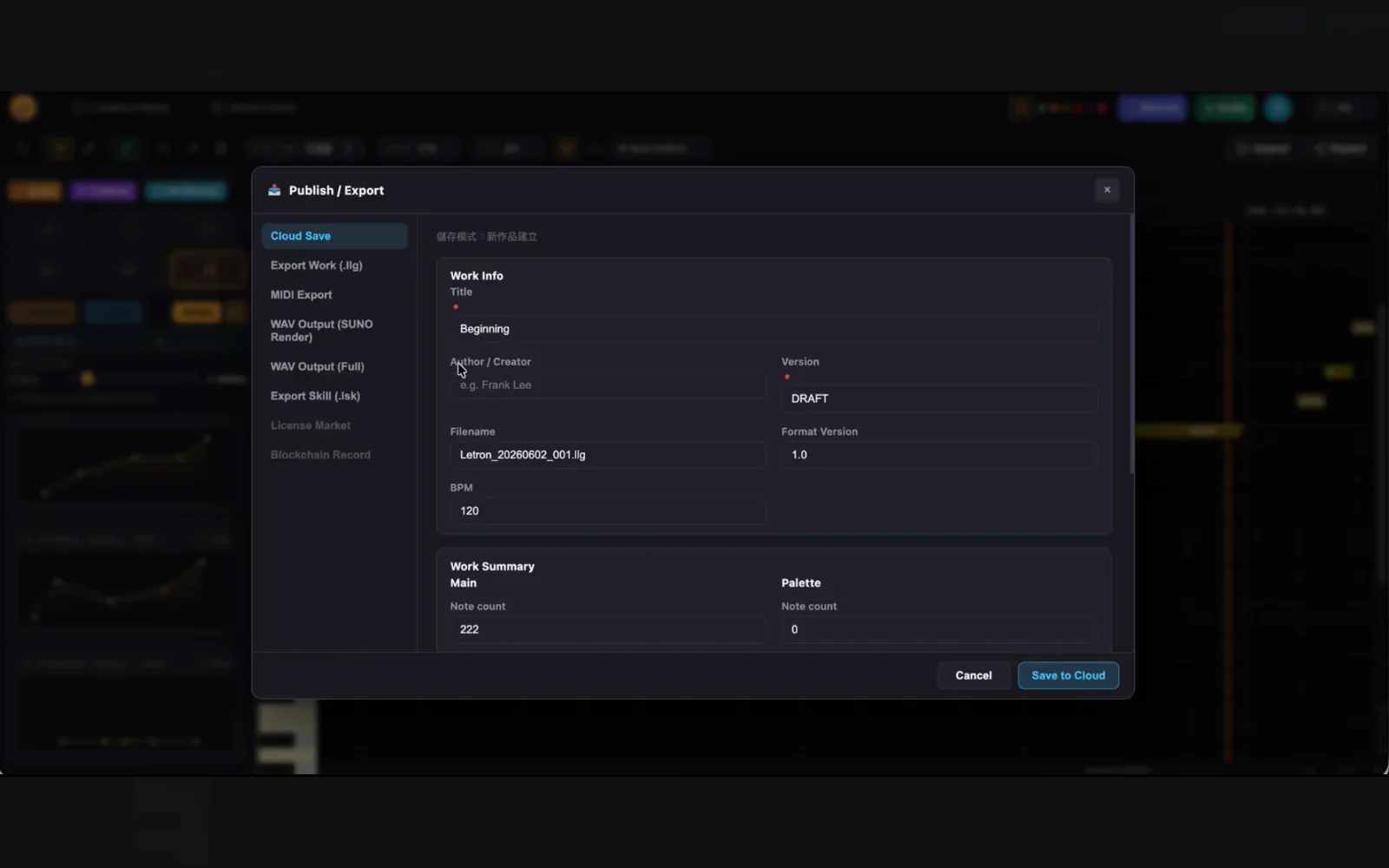
From first note to streaming platform.
Learn how Letron's 6-step AI workflow takes your music from composition to streaming — every edit logged, every credit verified.
Start creating
Open the DAW. Type in notes, import a MIDI file, or use AI to generate melodic phrases. Your session begins — and so does your Ledger.
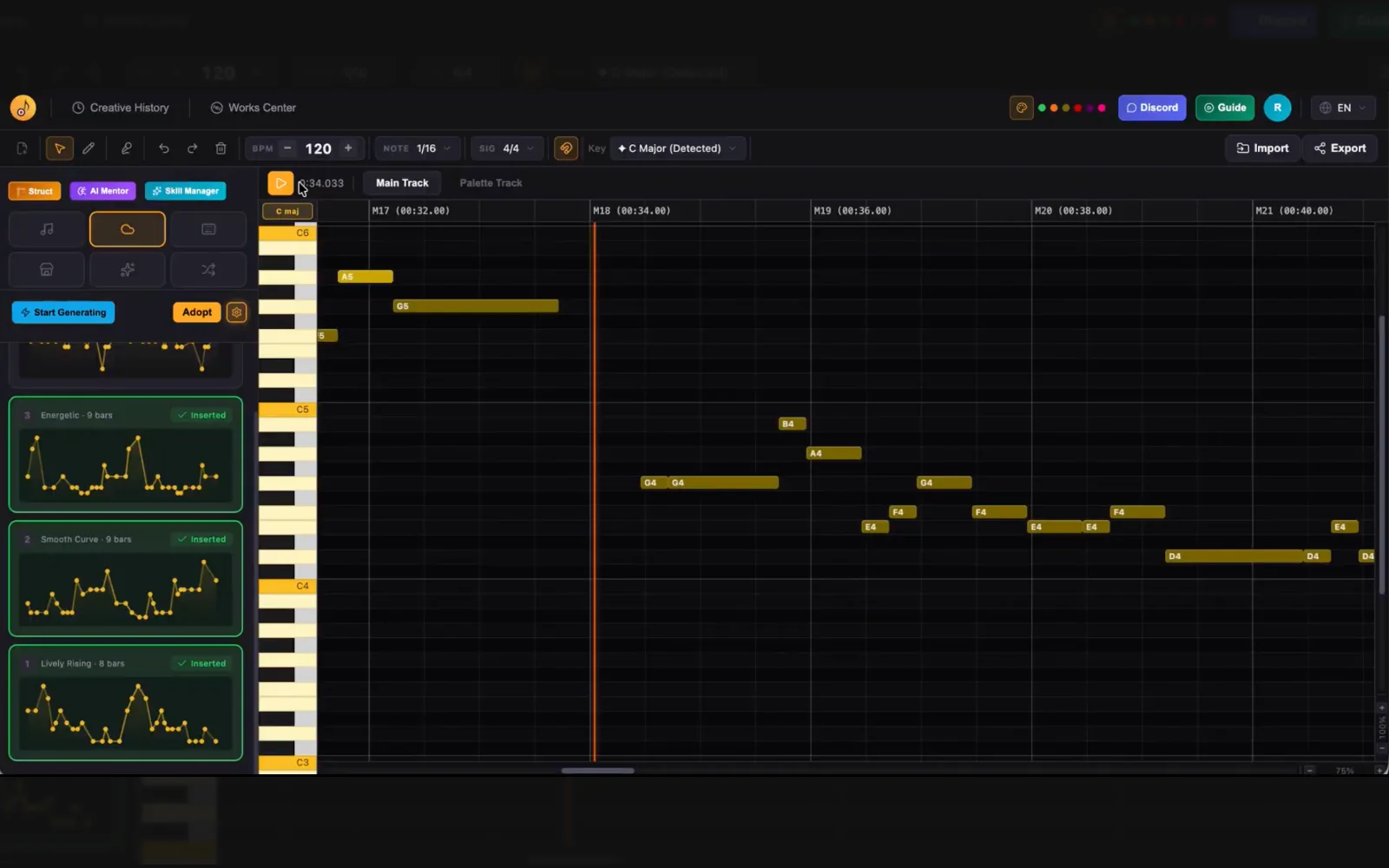
Build your Skill
Hear a phrase that feels right? Select it and tag it as a Memory Point — Letron analyzes its musical composition. Do this a few times and your Skill takes shape.
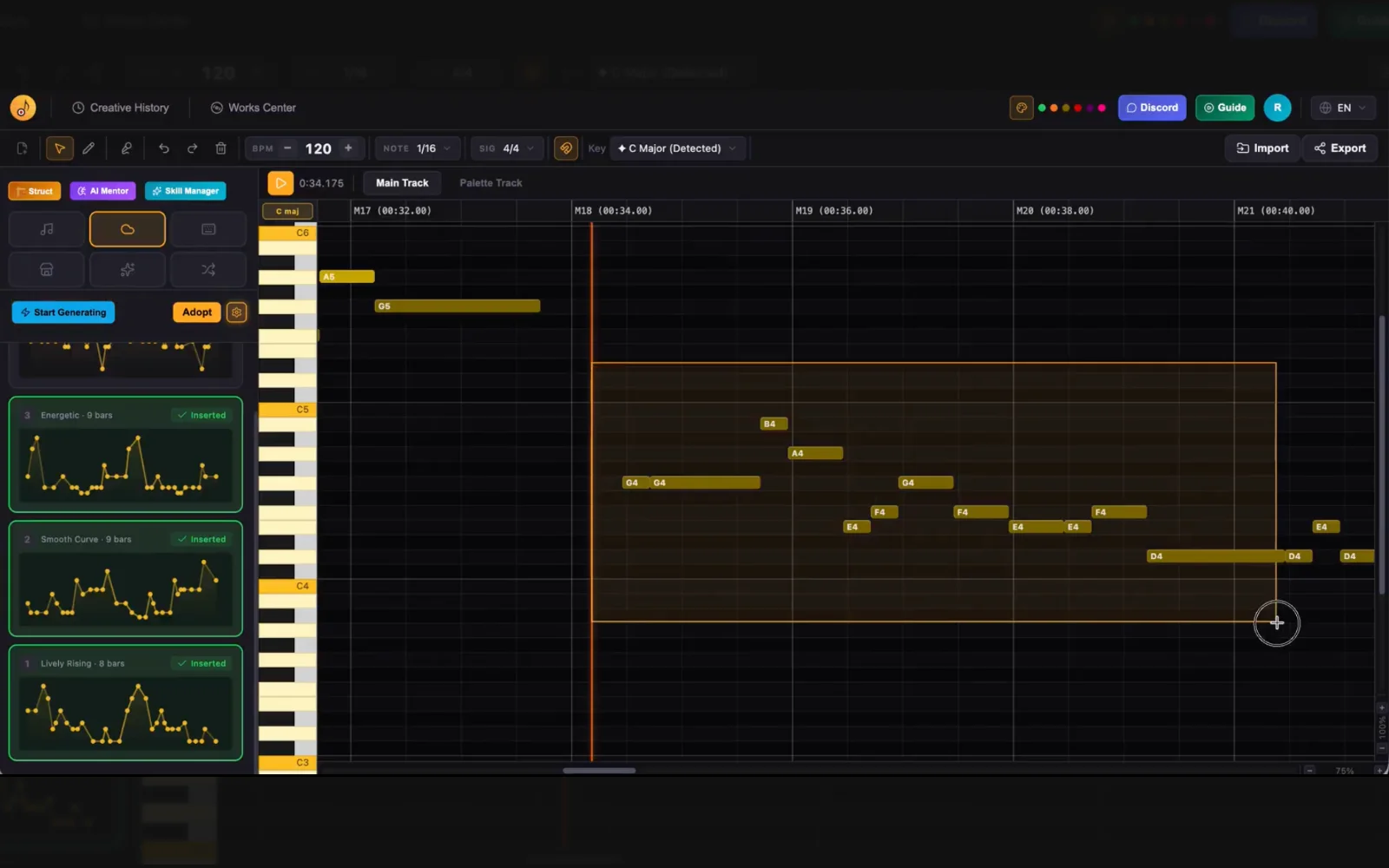
Edit your melody
Something feels off? Select the notes and edit pitch, duration, or add and remove notes. Select a phrase and hit Replace — Letron suggests candidates tuned to your Skill. No more getting stuck on that 'something's not quite right' feeling.
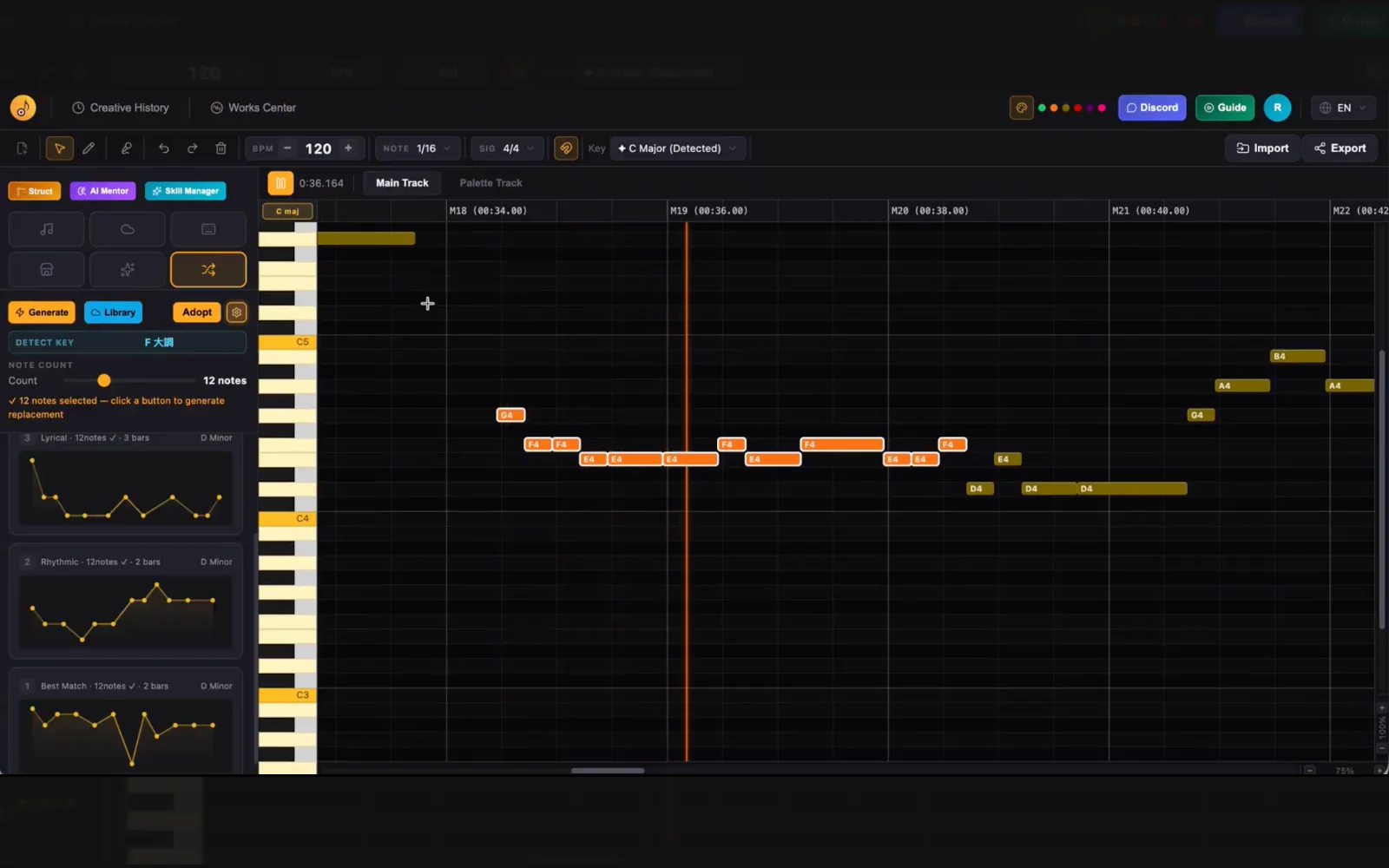
Refine your track
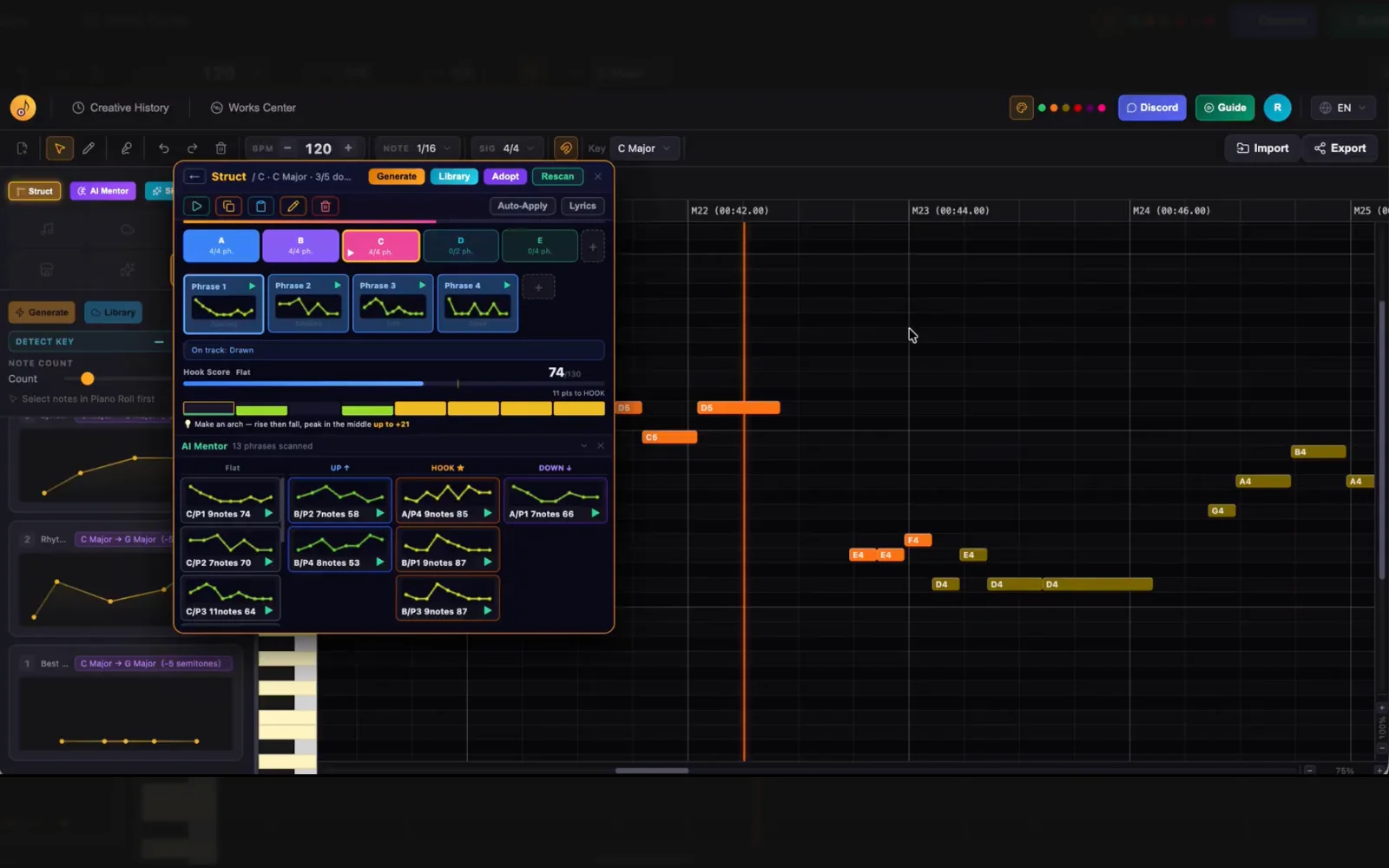
Once your phrases are arranged, open the Struct module — it automatically maps your phrases into a song structure. AI Mentor analyzes each phrase and scores your hooks. From there, freely copy, insert, or overwrite phrases and verse/chorus sections until you have something ready to release.
Creation history
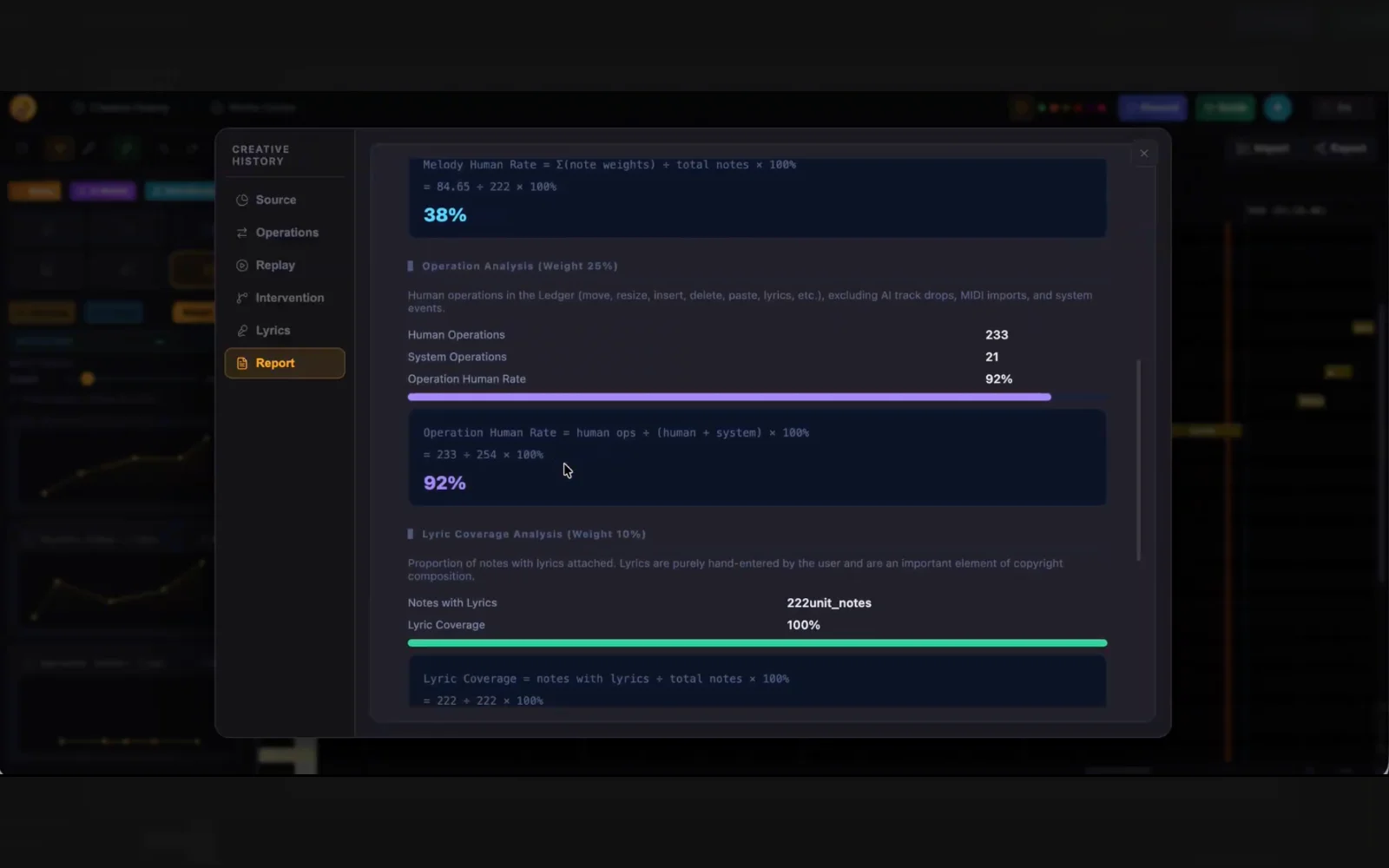
Every edit, every Replace, every confirmed decision is instantly logged to your track's Ledger — replay your process, export the .llg file, and get a full contribution ratio report.
Export and release
When you're done, export in the format you need: MIDI or WAV. Take it to arrangement, recording, or vocal production to produce the final version. Submit via a distributor and attach your .llg — labels can verify your human contribution ratio and AI involvement, so copyright attribution is no longer ambiguous.